


In the rapidly evolving landscape of competitive gaming, the importance of mouse sensors cannot be understated. A gaming mouse sensor is a critical component that translates the physical movement of the mouse into digital signals that your computer can understand. These sensors directly impact the performance, accuracy, and overall experience of gamers, particularly in high-stakes environments where every millisecond counts.
The two primary types of mouse sensors used in gaming peripherals are optical and laser sensors. Optical sensors utilize LED lights to track movement by capturing images of the surface beneath the mouse. They are known for their high precision and are particularly effective on non-reflective surfaces. Conversely, laser sensors offer greater versatility, enabling users to utilize a wide range of surfaces without compromising tracking accuracy. However, they may introduce some degree of acceleration, which can affect performance in competitive scenarios.
One of the most significant aspects of a mouse sensor is its DPI (dots per inch) rating, which determines the sensitivity of the mouse. A higher DPI allows for more rapid and precise movements, whereas a lower DPI can provide greater control for intricate maneuvers. Many competitive gamers prefer sensors with adjustable DPI settings to switch seamlessly between high-speed moves and precise targeting.
Moreover, the polling rate of a mouse sensor is crucial, as it determines how often the mouse reports its position to the computer. A higher polling rate can lead to more responsive gameplay, facilitating seamless tracking and a smoother gaming experience. Ultimately, selecting the right mouse sensor can significantly enhance a gamer’s performance, making it an essential consideration for anyone serious about competitive play.
Types of Mouse Sensors
In the realm of competitive gaming, selecting the right mouse sensor can significantly influence a player’s performance. The primary types of sensors used in gaming mice include optical, laser, and hybrid sensors. Each type has its unique characteristics, advantages, and disadvantages, making it essential for gamers to choose based on their specific requirements.
Optical sensors are among the most common and favored types in the gaming community. They operate using an LED light, typically in the visible spectrum, that illuminates the surface underneath the mouse. This illumination is then interpreted by the sensor to translate physical movement into cursor movement on the screen. One of the main advantages of optical sensors is their precision, particularly when used on a mouse pad with a consistent surface texture. However, they may struggle on reflective or glossy surfaces, which can lead to erratic tracking.
On the other hand, laser sensors use laser light to illuminate the surface beneath the mouse. This type of sensor can work on a wider variety of surfaces, including wood and cloth, providing greater versatility for gamers. Laser sensors often boast higher sensitivity than their optical counterparts, allowing for precise movements even at elevated DPI settings. However, it is worth noting that laser sensors may exhibit acceleration issues, where the cursor moves further than expected based on the speed of the hand movement, which can be detrimental to gameplay.
Lastly, hybrid sensors combine both optical and laser technologies, attempting to harness the strengths of both. While hybrid sensors can offer enhanced tracking capabilities across various surfaces, they are less common and may not provide the same level of optimization as dedicated optical or laser sensors. Therefore, each type of mouse sensor presents different benefits and potential drawbacks, necessitating careful consideration by gamers when selecting their gear.
Key Specifications to Consider
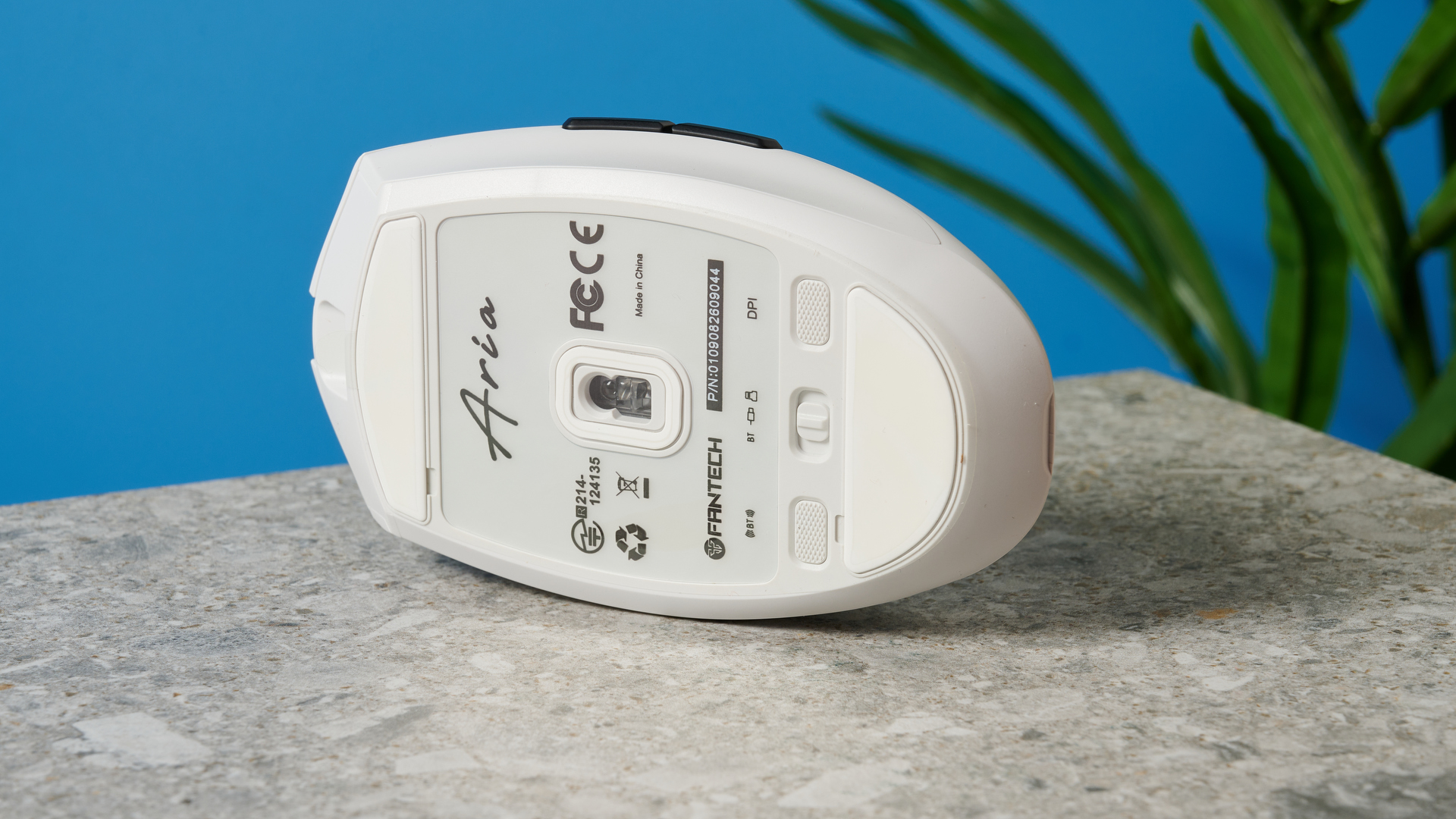
Choosing the best mouse for competitive gaming requires a thorough understanding of certain specifications that directly influence performance. Among these, DPI (dots per inch), polling rate, and acceleration are paramount. Each of these metrics plays a crucial role in how the mouse sensor interprets and translates movements into gameplay actions.
DPI indicates the sensitivity of the mouse, with higher DPI values enabling more precise cursor movements on screen. Generally, a mouse with a DPI range of 400 to 800 is considered optimal for competitive gaming as it balances accuracy with speed. Players seeking a competitive edge often prefer mice that allow for adjustable DPI settings, enabling them to switch between lower DPI for precision aiming in shooting games and higher DPI for swift movements in fast-paced environments.
The polling rate, measured in Hertz (Hz), defines how often the mouse reports its position to the computer. A higher polling rate results in less lag and smoother tracking, as the mouse updates its position more frequently. Many gaming mice offer polling rates of 1000Hz, translating into a one-millisecond response time. Gamers should opt for mice with a high polling rate to ensure their actions are registered as quickly as possible, which is critical in competitive scenarios.
Acceleration refers to the mouse’s ability to track movement at varying speeds. Ideally, gamers should seek sensors that deliver consistent performance without unintended acceleration, which can disrupt precision during gameplay. A consistent tracking performance ensures that the player will experience reliable and predictable results in high-stakes situations.
In summary, understanding these key specifications—DPI, polling rate, and acceleration—will aid gamers in selecting a mouse sensor that enhances their performance and overall gaming experience. Choose wisely to elevate your competitive edge.
Top Mouse Sensors for Competitive Gaming
When selecting a mouse for competitive gaming, the sensor plays a pivotal role in the overall performance and responsiveness of the device. Here, we evaluate some of the best mouse sensors available, providing insights into their performance, user feedback, and ideal gaming genres.
The first notable sensor is the Pixart 3389, renowned for its exceptional precision and high DPI capabilities (up to 16,000). Users often commend its low latency and smooth tracking on various surfaces. This sensor is particularly favored in first-person shooter (FPS) games, where accuracy and speed are paramount. Unquestionably, its reliability and performance make it a top choice for competitive gamers.
Another noteworthy sensor is the Razer Focus+ Optical Sensor. This sensor boasts a staggering DPI range of up to 20,000, along with intelligent tracking and motion synchronization features. Users frequently highlight its adaptability across different RGB settings and scenarios, making it versatile for not only FPS games but also for multiplayer online battle arena (MOBA) titles. Gamers appreciate how this sensor provides a seamless experience, enhancing gameplay and accuracy.
The PMW3360 deserves mention as well, as it presents a balanced performance with a DPI range of up to 12,000. Renowned for its stability and consistent tracking, many users feel comfortable utilizing it across a variety of genres, including MOBA and real-time strategy (RTS) games. Its combination of reliability and responsiveness has made it a favorite among many competitive gamers.
Finally, the Logitech HERO 25K sensor integrates advanced features like zero smoothing across its DPI range. Gamers commend its highly responsive nature and adjustable DPI settings, extending up to 25,600. Its ergonomic design facilitates prolonged use, particularly for gamers engaged in extended sessions. This sensor supports a wide array of gaming styles, thanks to its extensive customization options.
User Preferences and Gaming Styles
In the realm of competitive gaming, the selection of a mouse sensor is often influenced by individual player preferences and varying gaming styles. Different genres of games can exhibit unique demands that tailor the ideal mouse sensor features to enhance gameplay. For instance, first-person shooters (FPS) typically benefit from a mouse sensor that offers high precision and rapid response times. These games often require quick reflexes and fine aiming, making sensors with high DPI (dots per inch) more desirable for players accustomed to swift and accurate movements.
On the other hand, massively multiplayer online role-playing games (MMOs) often incorporate a range of abilities and commands that necessitate additional programmable buttons. Here, an optimized sensor with customizable settings can enhance the gaming experience significantly. Players tend to favor mice that support their unique play styles, such as those who rely on macro commands to execute complex maneuvers effectively. In such cases, the sensor’s ability to handle multiple inputs simultaneously becomes an essential consideration.
Similarly, multiplayer online battle arena (MOBA) games place emphasis on strategic gameplay, creating a demand for mouse sensors that are responsive yet allow for precision in cursor control. A standard sensor would not suffice; players look for enhanced tracking capabilities that can help them manage their champions’ movements while dodging attacks and executing abilities efficiently.
Ultimately, understanding how personal gaming preferences and styles impact the choice of mouse sensor is critical for players. Each gaming genre presents its unique parameters, and by aligning mouse sensor features with these requirements, players can enhance their overall performance in competitive settings. Therefore, choosing the right mouse sensor can play a pivotal role in achieving a competitive edge in various gaming contexts.
Real-World Performance Comparisons
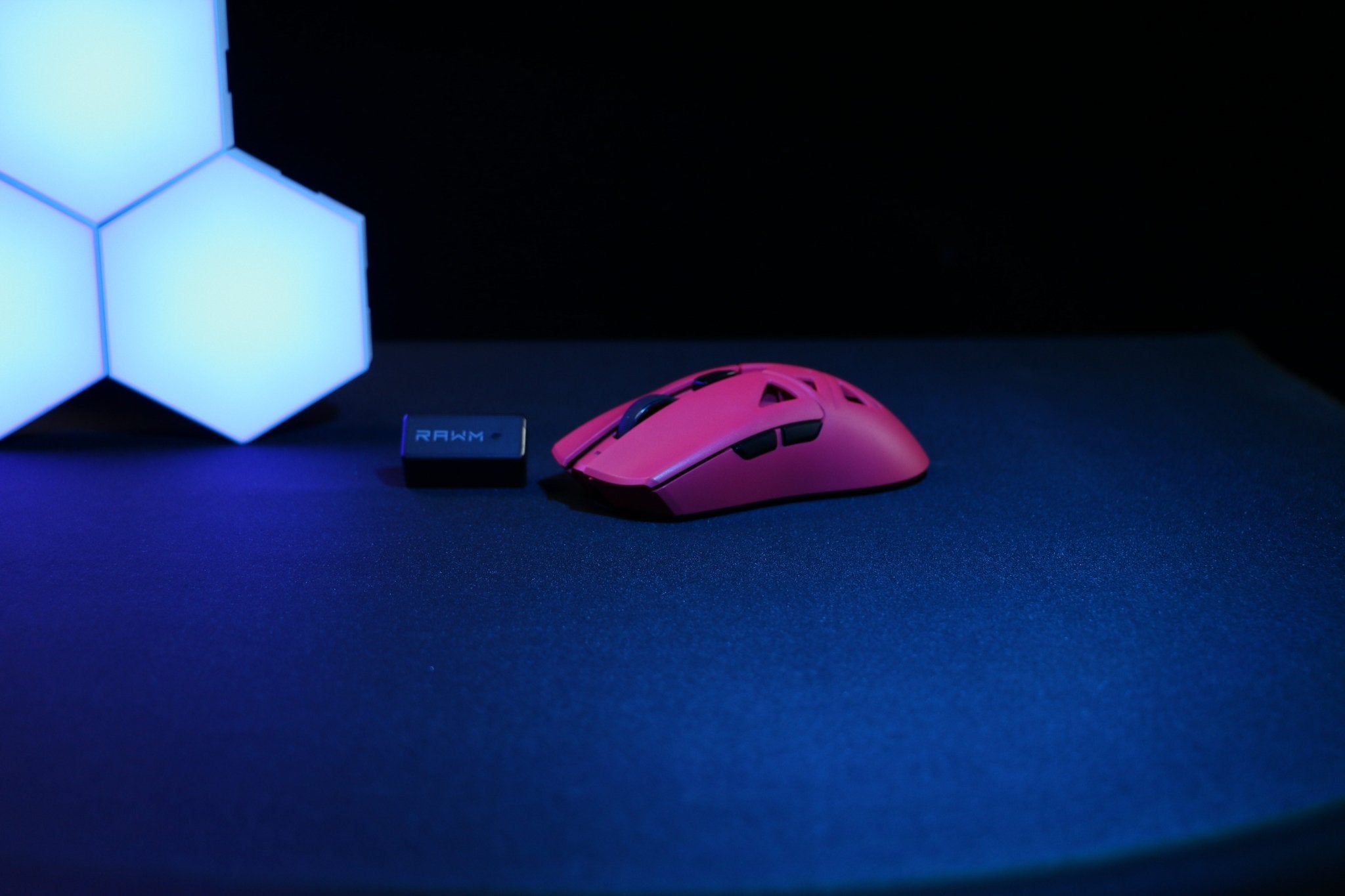
In the competitive gaming landscape, the choice of mouse sensor can significantly influence performance. Recent comparisons of different mouse sensors reveal distinct advantages and disadvantages that can impact gameplay outcomes. High-performance sensors, such as those based on Pixart’s PMW3389 and PMW3360 models, are frequently found in gaming mice favored by professionals. Their rapid tracking capabilities, excellent tracking accuracy, and minimal latency often translate to better responses in fast-paced environments.
Professional gamers regularly share insights about their experiences with various sensors. For instance, many players competing at the highest levels in first-person shooters attest to the importance of a high DPI (Dots Per Inch) setting and a consistent polling rate to maintain fluidity during competitive matches. Sensors that offer a wide DPI range, such as the Hero sensor implemented in Logitech models, empower players to adjust sensitivity on the fly, catering to precise control for aiming. This versatility is crucial when adapting to different game scenarios.
Moreover, tournament results frequently illustrate how sensor choice can affect individual performances. Players using optical sensors with superior tracking, such as Razer’s Focus+ sensor with its HyperSpeed technology, have emerged victorious in high-stakes competitions. In several instances, analyses of match footage have shown that players utilizing advanced sensor technology achieved higher accuracy in their shots compared to competitors relying on older or less responsive sensors.
Understanding the impact of mouse sensors extends beyond personal preference; it highlights how technical specifications can shape the outcomes of competitive gaming. The ability of modern sensors to track movements accurately, eliminate jitter, and reduce latency is an essential consideration for players aspiring to succeed in competitive environments.
Maintenance and Calibration of Mouse Sensors
To ensure optimum performance during competitive gaming, maintaining and calibrating mouse sensors is essential. Regular cleaning of the mouse is the first step in this process. Dust and debris can accumulate on the sensor and other mouse components, which may hinder accuracy and responsiveness. Use a microfiber cloth to gently wipe the surface and an air blast or compressed air to remove dust from hard-to-reach areas, especially around the sensor itself.
Calibration of the mouse sensor is equally important for achieving precise tracking. Many gaming mice come with proprietary software that allows users to adjust the DPI (Dots Per Inch) settings according to their preferences. Users should ensure that their mouse settings match the style of gameplay they employ, whether it involves rapid movements or precise aiming. Fine-tuning DPI, polling rate, and other settings can significantly improve performance in high-stakes environments.
Moreover, personalization plays a crucial role in optimizing the gaming experience. This includes configuring buttons for specific actions and ensuring that lift-off distance is set appropriately. This setting determines how far the mouse can be lifted off the surface without disengaging the tracking, which can be crucial for competitive players who frequently reposition their mice. Experimenting with these settings and adjustments can result in a customized feel that enhances overall control and accuracy during gameplay.
Lastly, regularly updating the mouse firmware through the manufacturer’s software can ensure that you benefit from the latest enhancements and fixes. Firmware updates may include improvements to tracking performance, which can significantly affect competitive gameplay. Overall, maintaining and calibrating mouse sensors is a continuous process that ensures players achieve their best potential in competitive gaming scenarios.
Future Trends in Mouse Sensor Technology
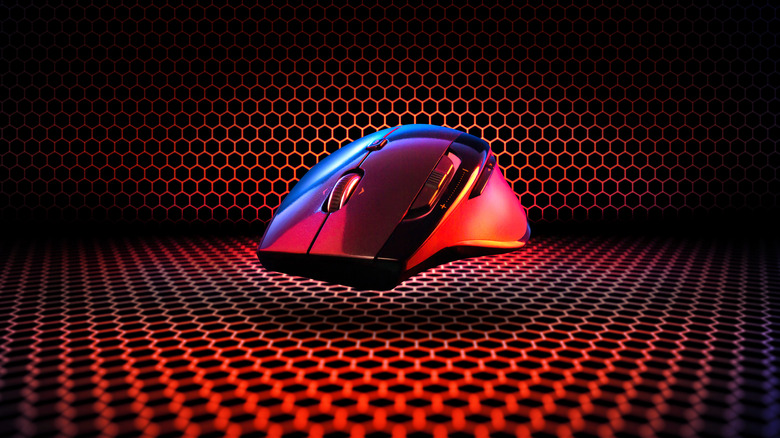
The evolution of mouse sensor technology is a rapidly changing field that continues to shape the landscape of competitive gaming equipment. As gamers seek every competitive edge, manufacturers are focused on developing advanced sensors that can provide greater precision, speed, and responsiveness. The current trend indicates a shift towards optical sensors that offer an improved tracking resolution and increased polling rates, enabling gamers to experience seamless interaction during intense gameplay.
One of the most significant trends is the integration of artificial intelligence (AI) within mouse sensors. AI can enhance the tracking accuracy by adapting to different surfaces and adjusting sensitivity settings in real-time. This could result in a more personalized experience for users, providing tailored performance depending on specific gaming scenarios and individual preferences. Moreover, the incorporation of machine learning algorithms promises to optimize sensor performance further, making it possible for devices to learn from users’ habits and improve their tracking capabilities accordingly.
Another emerging trend is the development of hybrid sensors that combine both optical and laser technologies. These hybrid sensors are designed to provide versatility across various surface types, making them suitable for different gaming environments from cloth mousepads to glass surfaces. This innovation could alleviate the limitations faced by traditional sensors and cater to a broader range of gaming setups.
Furthermore, advancements in wireless technology have enhanced the responsiveness and reliability of wireless mouse sensors. With reduced latency and improved battery life, competitive gaming is no longer confined to wired peripherals. This shift allows for greater flexibility and comfort during long gaming sessions, ultimately leading to improved performance.
As the competitive gaming industry continues to grow, it is clear that the future of mouse sensor technology will focus on precision, speed, and adaptability. Keeping an eye on these trends will be essential for gamers looking to remain ahead in the ever-evolving landscape of competitive gaming equipment.
Conclusion and Recommendations
In conclusion, selecting the best mouse sensor for competitive gaming involves understanding the intricacies of sensor types, their responsiveness, and their overall performance. Throughout this post, we have delved into different types of mouse sensors, notably optical and laser, and highlighted their fundamental differences. Optical sensors tend to provide greater precision and faster reaction times, qualities that are invaluable in a competitive setting.
Moreover, we discussed the importance of DPI (dots per inch) settings and polling rates, where higher values can lead to improved sensitivity and responsiveness during gameplay. Gamers should consider these parameters alongside their gaming style; for instance, FPS (First-Person Shooter) players typically benefit from lower DPI settings to ensure greater accuracy, while MOBA (Multiplayer Online Battle Arena) players may prefer higher settings for quicker movements.
Based on the insights presented, we recommend that competitive gamers invest in a good quality optical sensor mouse that offers adjustable DPI settings and a high polling rate of at least 1000Hz. Brands like Logitech, Razer, and SteelSeries have established themselves as leaders in producing high-performance mice equipped with advanced sensors that cater to various gaming needs.
Ultimately, personal preference should also guide your decision, as factors such as grip style, weight, and additional features like customizable buttons influence overall user experience. Therefore, testing out different models before purchase is advisable to find the best fit for your gameplay. By weighing these considerations and leveraging the insights discussed, you can enhance your gaming performance significantly with the appropriate sensor technology.


