


Choosing the right keyboard is important. It is more than pressing keys. It affects how you type. How you play games. How you work. Many types exist. Many features too. Let’s dive in.
Types of Keyboards
Keyboards come in different types. Each has its own style. Its own feel. Its own purpose. Here are some common types.
- Membrane Keyboards: These are common. They are quiet. They have a soft feel. Good for office use.
- Mechanical Keyboards: These have switches. They make a click sound. They are durable. Gamers love them.
- Wireless Keyboards: No wires. Easy to move around. Uses batteries. Needs charging.
- Ergonomic Keyboards: Designed for comfort. Reduces strain on wrists. Good for long typing hours.
Size and Layout
Size matters. Layout matters too. They affect comfort. They affect speed.
- Full-Size Keyboards: Have all keys. Includes number pad. Good for data entry.
- Tenkeyless Keyboards: No number pad. Saves space. Easier to carry.
- Compact Keyboards: Very small. Portable. Easy to store.
Switch Types
Mechanical keyboards have switches. Switches affect the feel. The sound. The speed. Here are some switch types.
- Linear Switches: Smooth. No bump. Quiet.
- Tactile Switches: Have a bump. Feel each press. Slightly noisy.
- Clicky Switches: Loud click. Very tactile. Good for typing feedback.
Connectivity Options
How does the keyboard connect? Wired or wireless? Let’s explore.
- Wired Keyboards: Use a cable. Stable connection. No battery needed.
- Bluetooth Keyboards: Connect via Bluetooth. No cable. Uses batteries.
- RF Wireless Keyboards: Use a USB dongle. Reliable connection. Needs charging.
Build Quality
Build quality is crucial. It affects durability. It affects comfort. Let’s see what to check.
- Material: Plastic or metal. Metal is stronger. Plastic is lighter.
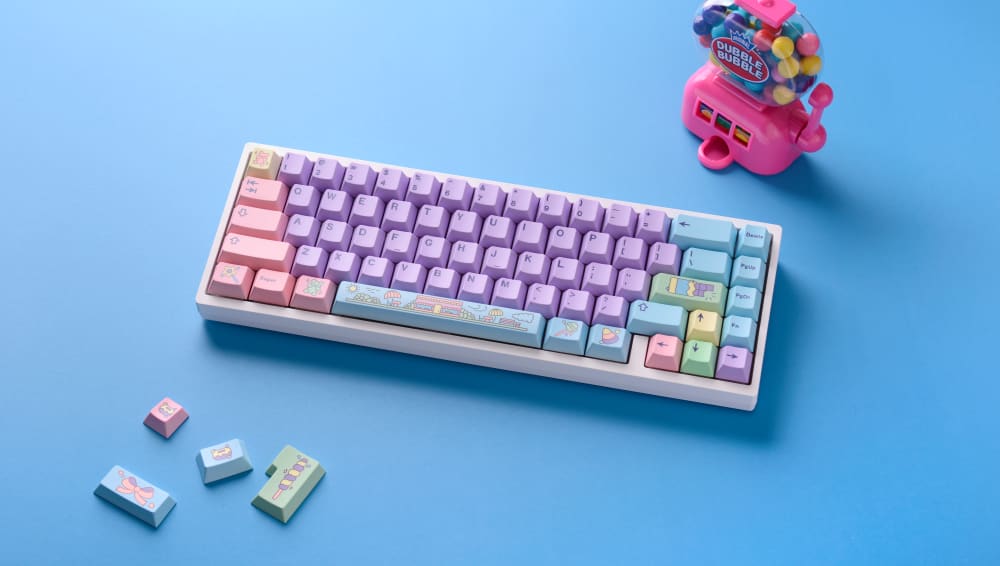
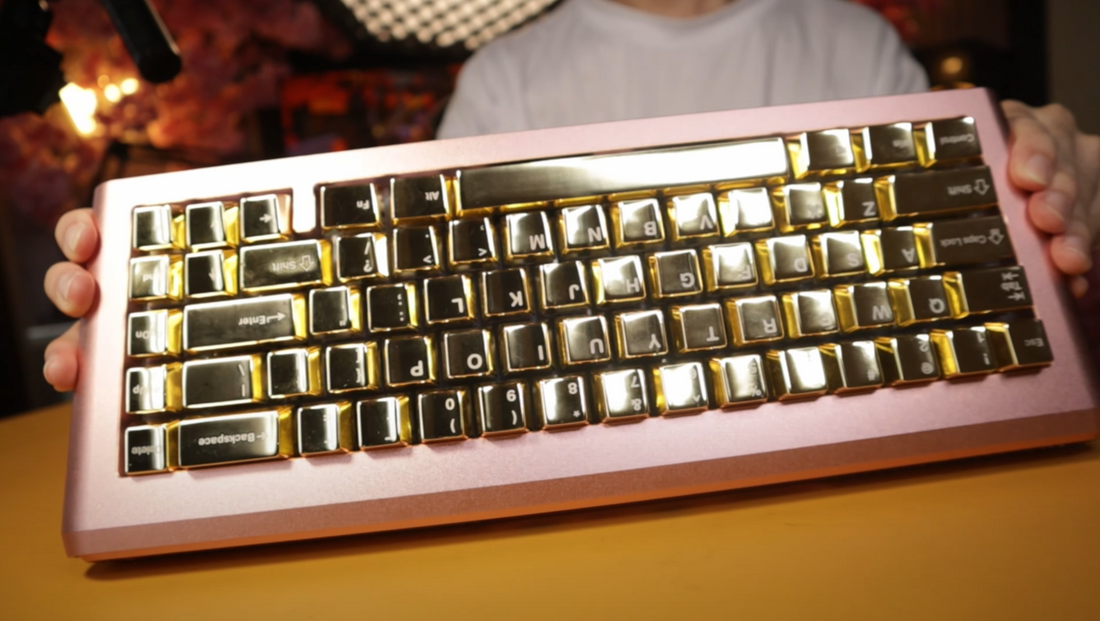
- Keycaps: ABS or PBT. ABS is common. PBT is durable.
- Frame: Solid frames last longer. Prevents wobbling.
Credit: kineticlabs.com
Features to Consider
Keyboards have many features. Some are useful. Some are for show. Let’s look at some key features.
- Backlighting: Lights up keys. Useful in dark rooms. Can be colorful.
- Programmable Keys: Customize keys. Useful for shortcuts.
- Media Controls: Control music. Adjust volume. Handy for entertainment.
Price Range
Keyboards vary in price. Some are cheap. Some are expensive. Here is what to expect.
| Price | Features |
|---|---|
| Budget ($20-$50) | Basic features. Membrane type. Wired connection. |
| Mid-Range ($50-$100) | Better build. Mechanical switches. Some wireless. |
| High-End ($100+) | Top features. Premium materials. Advanced wireless. |
Credit: awekeys.com
Purpose and Usage
Why do you need a keyboard? For work? For gaming? For casual use? Purpose matters.
- Office Work: Needs comfort. Needs quiet keys.
- Gaming: Needs fast response. Needs durable build.
- Casual Use: Needs basic features. Needs good price.
Compatibility
Will the keyboard work with your device? Check compatibility. It is important.
- Operating System: Windows or Mac. Check support.
- Device Type: Desktop or laptop. Ensure connection.
- Ports: USB or Bluetooth. Match your device.
Frequently Asked Questions
What Are The Key Features To Look For In A Keyboard?
Consider build quality, key type, connectivity, and ergonomic design. These features affect comfort and typing speed.
How Does Keyboard Size Impact Usability?
Smaller keyboards save space but lack some keys. Larger ones offer full functionality.
Why Is Keyboard Switch Type Important?
Different switches affect typing feel and sound. Choose based on personal preference and usage.
Are Wireless Keyboards Reliable For Everyday Use?
Yes, modern wireless keyboards have stable connections. They offer flexibility and reduce desk clutter.
Conclusion
Choosing a keyboard is not easy. Many factors to consider. Think about type. Think about size. Think about features. Consider your budget. Consider your purpose. Make a wise choice.